
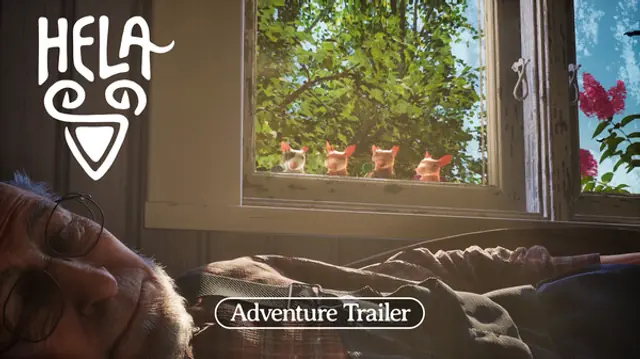
Input support rarely decides whether a game is good, but it decides whether a couch session starts smoothly. Hela is a two-player split-screen game before it is anything else, which makes the controller question practical rather than technical: two people, one screen, two devices that both need to be recognised before the run begins.
The demo answers most of it. The full game inherits the same layout when it launches on 1 December 2026.
What the demo accepts
The demo ships with an Xbox controller layout and also works with a PlayStation 5 DualSense. The developers published a button mapping guide covering both, with a diagram for each, so the layout is documented rather than guessed.
The demo is also playable on Steam Deck, which matters more than it sounds: the Deck's built-in controls are an Xbox-style layout, so a player who has already learned the pad has nothing new to learn.
Two layouts, one game
Xbox and DualSense differ in face-button labels and in the shape of the triggers, not in what the game asks of them. Because the published guide covers both, the mapping is not a compatibility question — it is a labelling question.
| Pad | Layout | Where the mapping is |
|---|---|---|
| Xbox controller | Native layout | Developers' published button map |
| PS5 DualSense | Supported, mapped | Developers' published button map |
| Steam Deck | Built-in controls, Xbox-style | Same layout as Xbox |
What the guide is for, in practice, is the first two minutes. Once the hands know which button the backpack uses, the label stops mattering.
Why this game suits a pad
Hela has no traditional combat, no aiming and nothing that can kill the player. That removes the two things a controller usually struggles with — precision aiming and reaction speed — and leaves the parts a pad does well.
What remains is timing and direction. A glide is a hold and a steer. A swing is an attach and a release. A Shade is a single press at the right instant. None of those want a mouse cursor, and all of them read clearly on a thumbstick.
Two pads for one screen
Local split-screen means two players on one display, and that has a hardware consequence: both need an input device. The Steam feature list mentions full controller support and recommends a gamepad, which is the practical detail for a shared screen — two pads, two players, no keyboard split down the middle.
The demo's quirk is that the second player has to join before the session starts. There is no drop-in halfway through, so a late arrival cannot slide in after the first puzzle. Connecting both pads before launching is the difference between a smooth start and a restart.
Steam Deck and the handheld case
The demo runs on Steam Deck, and the case for it is stronger here than for most games. A calm exploration game with no combat and no timers is a good fit for a handheld, and the built-in controls mean no extra hardware for a solo session.
Two-player split-screen on a Deck is a different question, and the answer is the obvious one: a second controller pairs, but the screen is small for two. The game does not need it — solo is a complete version of the content — so the Deck is best treated as a solo device.
Practising the layout alone first
A solo run before the couch session is worth the thirty minutes. The point is not to finish the demo twice — it is to arrive at the shared session already knowing where the backpack is bound, so the first ten minutes are spent on the game rather than on the pad.
The order that works is to learn the movement verbs first and the Shade second. Movement is continuous and forgiving, while the Shade is a single press at a specific instant, and a player who has not yet automated the first will fumble the second.
Doing this alone also removes an awkward dynamic from the couch session. Two players learning the controls at the same time spend the opening minutes reading the screen instead of the room, and the demo's short length makes that cost visible.
What the published material covers
The mapping guide covers the two console pads. It does not attempt to teach the game: it shows which button does what, and the rest is learned in the first room.
That is the right amount of documentation for a demo this size. A full control reference would be longer than the demo's own tutorial, and the game's verbs are few enough that the mapping is absorbed in a couple of minutes of play.
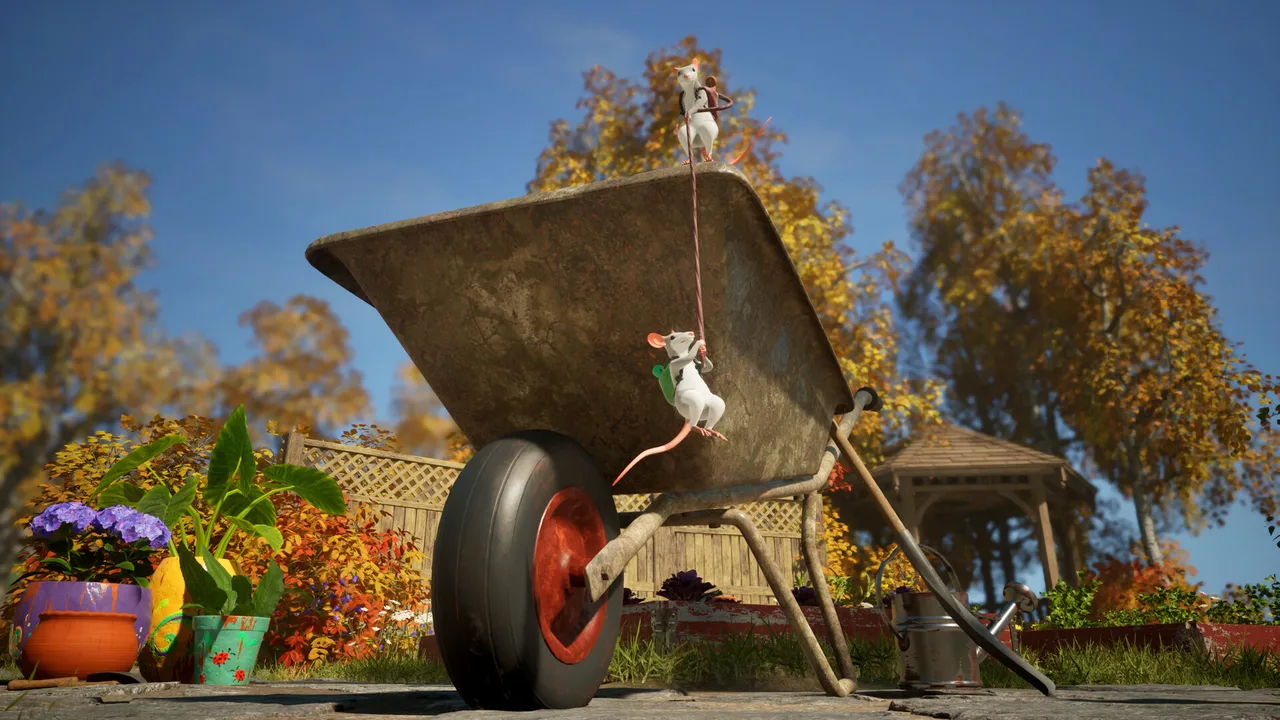 Official media
Setting up a first session
The order matters more than the settings. Connect both pads first, start the session, then let the second player join before the first puzzle is touched. Doing it the other way around means losing the run.
If the plan is to play the demo with someone who has not played it, give them the movement tutorial rather than the puzzle. The backpack is the whole vocabulary, and a player who has felt all five jobs will solve rooms faster than one who has been told about them.
After the demo
The demo closes on 9 November 2026. The full game arrives on 1 December 2026 for PC, PlayStation 5, Xbox Series X|S and Nintendo Switch 2, with two-player local split-screen and up to four players online.
Nothing about the controller setup changes between the two, which is the useful thing to know now: a couch configuration that works in the demo is the configuration the retail game will expect.