
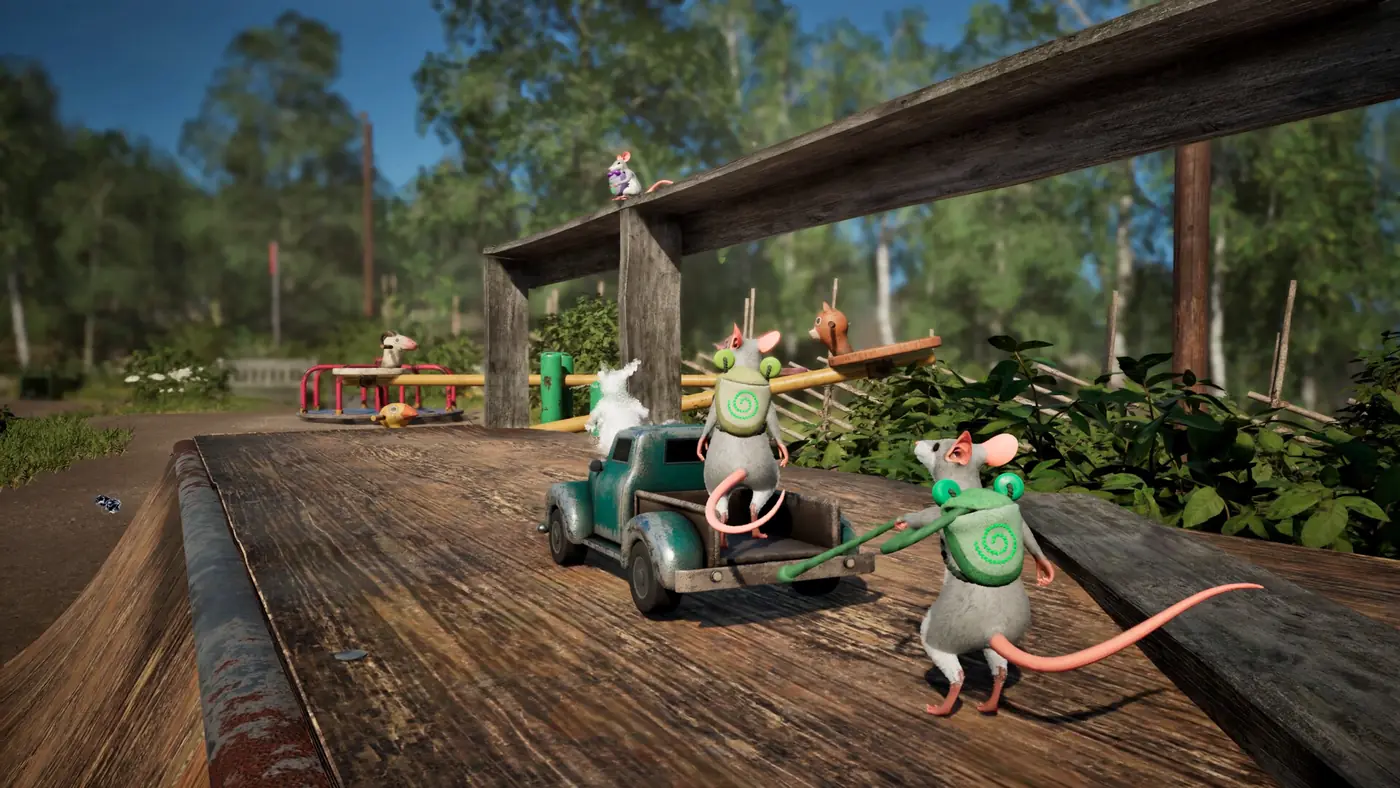
Split-screen in Hela: of Mice & Magic tops out at two players, and the per-screen ceiling is two as well. Local play is its own configuration rather than a smaller version of online. The demo ships with split-screen and nothing else, the retail game adds four-player online on 1 December 2026, and the two are configured in different places with different requirements.
That distinction matters more than the raw player count, because a group of three cannot use split-screen at all, and a group of two in different cities has nothing to gain from it.
What the two players share
One display, two views, one world. A local session runs the same loop as any other: gather plants and materials, brew remedies, solve physics puzzles, help the creatures along the way. Nobody is a passive passenger, because the game has no combat and no support role to fill. Both mice are doing the same kind of work.
The setting is a third-person open adventure across forest, meadow, wetland and cave, built from northern Sweden and framed at mouse scale. On a shared screen that framing does something useful, since both players see the same landmark at the same time and can talk about it without describing a camera angle.
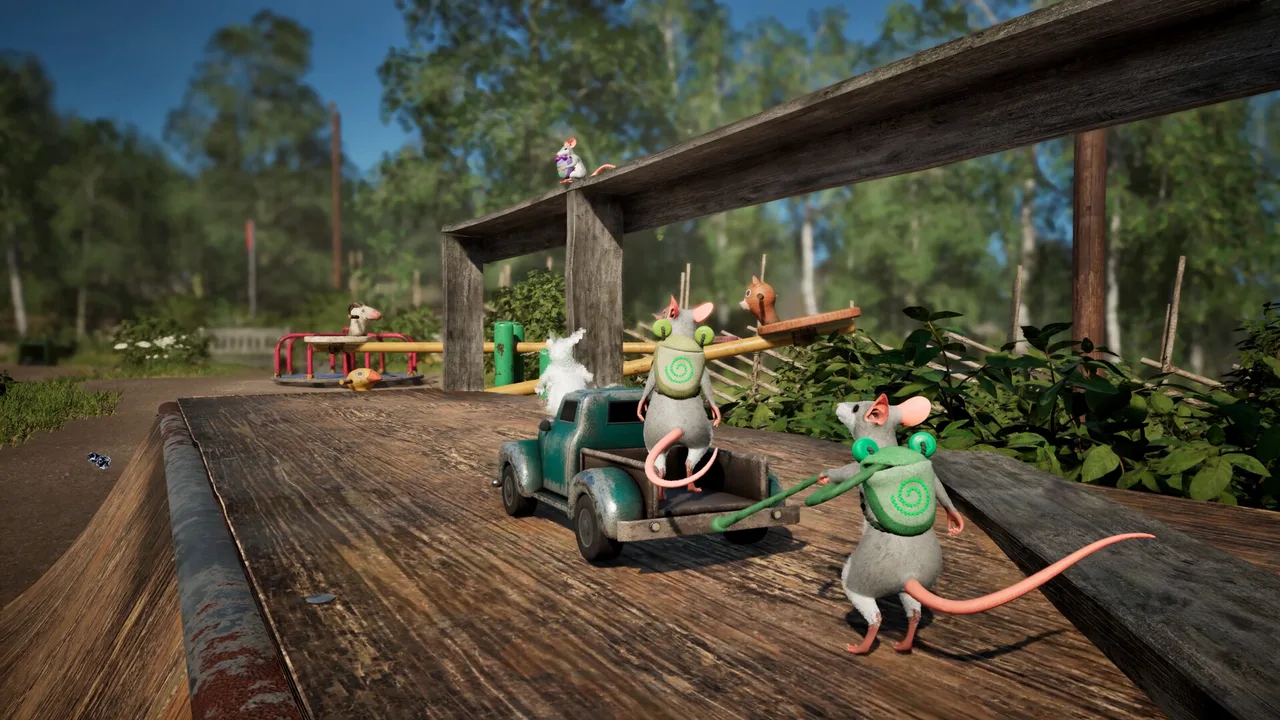 Official media · Steam
The ceiling is two, and it does not move
A bigger television does not add seats. The per-screen limit is two, and the local total is two, so there is no arrangement of hardware that turns a couch session into a four-player one. Four players means online, with four copies and four linked accounts.
This is the single point people get wrong when they read a four-player headline and invite three friends over. The four-player figure belongs to the online configuration and only to that.
Split-screen and online are not two tiers of one feature
They are separate pipelines. Local play needs two controllers and no account. Online play needs a copy per person, an Epic Online Services account, a Steam link and a connection. Neither one is an upgrade of the other, and the feature set is not sold in steps.
The practical consequence is about who can play with whom. Two people in the same room can start in under a minute. Two people in different cities need the online route, which does not exist until release.
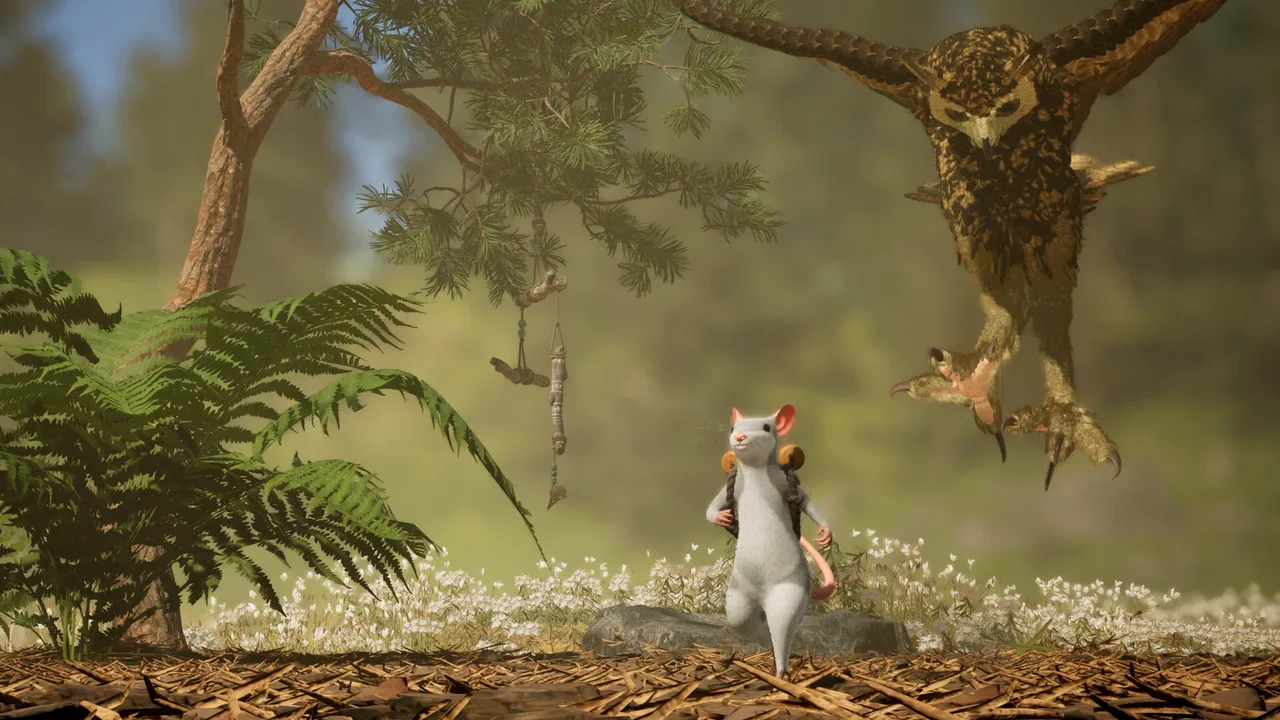 Official media · Steam
What the second player changes about the puzzles
The Shade System exists so that one player can stand in for two. With a second person in the room, that job belongs to the person, and the copy becomes optional rather than load-bearing. Nothing is removed from the game to compensate; the same puzzles are solved with a partner instead of a summon.
That is why a couch pair learns the level design faster than a solo player. Two people naturally divide a room into halves and check different corners, and the puzzle that wanted two bodies is solved without a second thought about the system built for solo play.
Who the couch setup suits
Two players in one room is the configuration the demo was built to show, and the age rating makes it an easy one to share. The game carries PEGI 3, with a 3+ minimum age, so a parent and a child can take one half each without anyone needing an account, a headset or a second machine.
The cost is attention. A shared display means both views are always on screen, which is either the appeal or the drawback depending on the pair. Two people who talk while they play get on well with it; two people who prefer their own screen and their own pace will find the arrangement tiring after an hour.
The demo is the split-screen test
The demo is the reason a couch pair can judge this before buying. It is a self-contained story on a map of its own rather than a slice of the campaign, it runs 30 to 60 minutes, and it supports solo play and two-player local split-screen. Progress does not carry into the retail game, so nothing is lost by experimenting.
Two limits are worth knowing before the first session. Online co-op is not available in the demo at all, and the second player has to join before the session begins, with no drop-in once a run is under way.
The demo closes on 9 November 2026, appears on Steam, Epic Games Store and the Xbox PC App, and carries full Steam Deck support.
What split-screen costs in image quality
The Steam requirement notes answer this directly, and the answer is a little more frame rate than resolution. At minimum specification, split-screen is listed at low settings, 1080p at 30 frames per second. At recommended specification, split-screen is listed at high settings, 1440p at 30 frames per second, while single-player on the same hardware reaches high settings at 1440p and 40 frames per second.
Read together, the second view costs about ten frames at 1440p on recommended hardware, and on minimum hardware it costs resolution as well, dropping the target to 1080p. Memory and storage stay the same at both tiers, with 16 GB of RAM and 15 GB of space.
That is a normal trade for a split view, and it is worth setting expectations before someone with a modest laptop invites a friend over. The game is Windows only, with no macOS or Linux build.
Remote Play Together is not online co-op
Steam lists Remote Play Together and Remote Play on TV among the game's features. Remote Play Together streams a local session to a second person elsewhere, which is genuinely useful for a pair who cannot meet.
It does not turn the game into online co-op, it does not raise the player count above two, and it is not crossplay. A group of four cannot use it to assemble a session, and a mixed group of platforms gets no help from it either.
Split-screen and online, side by side
| Split-screen | Online | |
|---|---|---|
| Players | 2 | Up to 4 |
| Requirements | Two controllers, no account | A copy each, Epic account linked to Steam |
| Demo support | Yes, the only mode offered | No |
| Quality note | 1080p at 30 fps on minimum, 1440p at 30 fps on recommended | No separate figure listed |
| Crossplay | Not applicable | Has not been announced |
| Release | In the demo and on 1 December 2026 | 1 December 2026 |
Before someone comes over
Two pads, a full controller recommendation in hand, 15 GB of space and a Windows machine: that is the whole checklist. Install ahead of time, because a first-run download is a poor opening to a shared evening.
Then start the session with both players present. The demo will not accept a second player once things are moving, and a pair who discover that mid-run tend to restart rather than continue.